
 Operation Search
Retouch
Retouches a recorded image and saves it as a new file.
The original image is retained.
-
Press the
 (Playback) button to switch to playback mode.
-
MENU

 (Retouch) desired mode

-
Perform retouching according to the operation method in each mode.
|
Records the zoomed playback image.
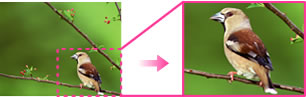 Touch
 / /  set the point with
  / /  / /  / / 
 select an image size to save with /
[OK].
select an image size to save with /
[OK].
|
|
 (Red Eye Correction) (Red Eye Correction) |
Corrects the red-eye phenomenon caused by flash.
 After red eye correction is completed, touch [OK].
|
 (Unsharp masking) (Unsharp masking) |
Sharpens the image within a chosen frame.
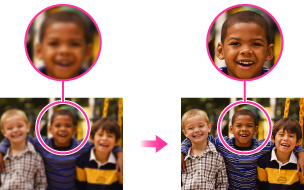 Touch the area (frame) of the desired image to retouch
[OK]
|

Note
-
You cannot retouch the following images:
-
Panoramic images
-
3D images
-
Movies
-
Images displayed in a burst group
